Rachel's neck hurt by 3 p.m. every day. Her physical therapist asked one question: where is your monitor? On the desk, Rachel said. Exactly at the wrong height, the therapist replied. Rachel's 24-inch monitor sat directly on the desk, forcing her to tilt her head down six degrees all day — the equivalent of hanging a bowling ball off the front of her skull for eight hours.
The fix cost less than a single therapy session: raise the screen so the top edge sits at or just below eye level. A monitor stand or laptop riser is the cheapest ergonomic upgrade in home office history.
Monitor stands versus monitor arms
Stands sit on the desk and hold the monitor on top. They are simple, stable, and add bonus storage underneath for keyboards, notebooks, or docks. Best for: anyone who wants a quick, no-install upgrade.
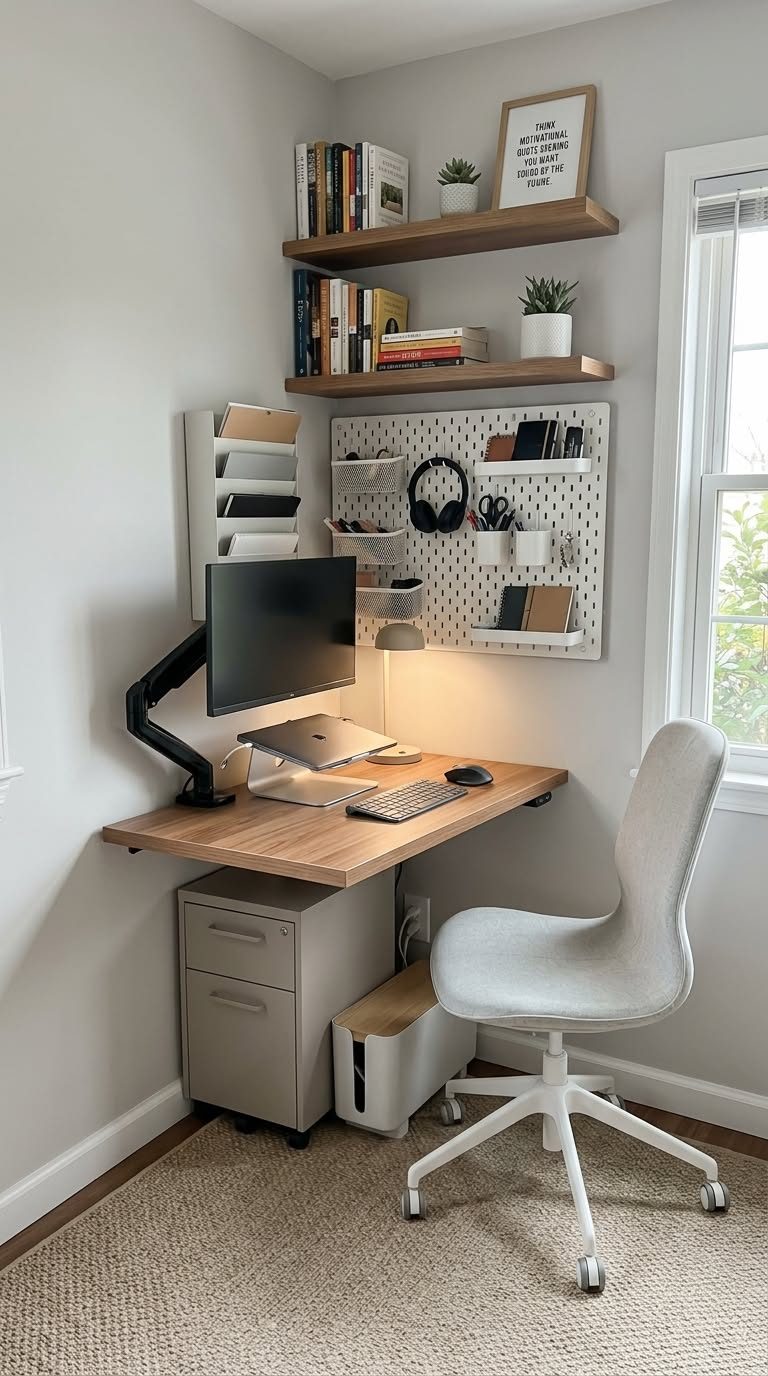
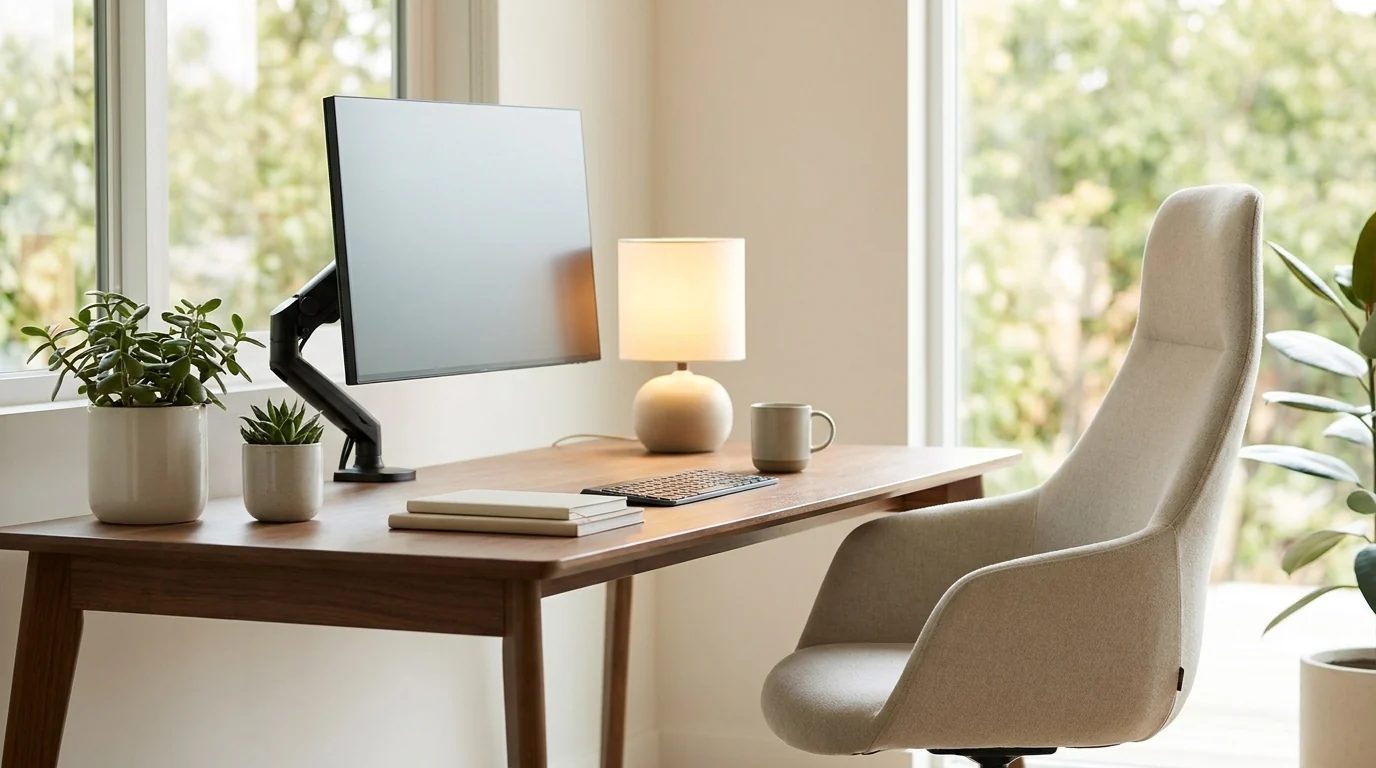
Arms clamp to the desk edge or bolt through a grommet hole, suspending the monitor in the air. They free the entire desk surface and offer the widest adjustment range — height, tilt, swivel, rotation. Best for: small desks, multi-monitor setups, and people who fine-tune constantly. The trade-off is installation effort and the need for a sturdy desk edge.
Laptop risers lift a laptop screen to eye level. Pair one with an external keyboard and mouse — using a raised laptop with its own keyboard forces your shoulders up, trading neck pain for shoulder pain.
What to look for
Height range. Measure first: sit in your chair, close your eyes, look straight ahead, open them — the top of your screen should be at that line. Most people need 4 to 6 inches of lift. Adjustable stands cover more body types; fixed stands are fine if you have measured.
Weight capacity and stability. Check the stand's rated capacity against your monitor's weight (with its stand removed if you are VESA-mounting to an arm). Wobble while typing is a dealbreaker — read reviews specifically about stability.
VESA compatibility. If you are considering an arm, check that your monitor has VESA mounting holes (75x75 or 100x100mm) on the back. Most do; some ultra-cheap or all-in-one monitors do not.
Footprint and storage. A stand with a wide base eats desk space; one with drawers or cubbies gives it back. For tiny desks, an arm wins outright by freeing the whole surface.
Laptop plus external monitor setups
The most common home office has two screens: a laptop and an external monitor. The ergonomic rule is simple — one of them is the primary display at eye level, and it should be the one you look at most. Usually that means the external monitor on a stand or arm at eye level, with the laptop on a riser off to the side for reference material, chat, or email. Do not try to use both at the same height side by side unless they are the same size; the height mismatch will have you tilting constantly. And whichever screen is secondary, angle it slightly inward so you are not twisting your neck all day.
Common mistakes
Raising the monitor but keeping the laptop keyboard — the classic half-fix that moves pain from neck to shoulders. If you lift a laptop, add an external keyboard and mouse. Second: setting the monitor too high, which strains the neck upward; the top edge at eye level, not the center. Third: buying an arm for a glass-top desk without checking clamp compatibility — most arms need a solid edge.
Frequently Asked Questions
What is the correct monitor height? Top of the screen at or slightly below eye level, about an arm's length away. Your neck should be neutral, not tilted up or down.
Should I get a stand or an arm? Stand for simplicity and bonus storage; arm for maximum desk space and adjustability. On desks under 40 inches wide, the arm's space savings usually win.
Do I need a riser if I use a laptop? Yes, if it is your main screen for hours a day. A 40-dollar riser plus a basic external keyboard transforms laptop ergonomics.
Can a monitor arm damage my desk? On solid wood or sturdy particleboard, no. On thin glass or flimsy hollow-core tops, yes — use a stand instead, or add a reinforcement plate.
Rachel bought a simple adjustable stand, moved her keyboard tray to the space underneath, and set a phone reminder to check her posture. The 3 p.m. neck ache was gone within two weeks.
Our Top Picks
Amazon Basics Adjustable Monitor Stand
A simple height-adjustable stand that lifts any monitor to eye level and hides a keyboard underneath.
- Three height settings
- Vented top keeps monitor cool
- Plastic build feels basic
Rain Design mStand Laptop Stand
The iconic single-piece aluminum laptop riser that has anchored a million desks — rock solid and beautiful.
- Extremely sturdy aluminum
- Tilt improves typing angle
- Fixed height
VIVO Single Monitor Desk Mount
A clamp-on monitor arm that frees the entire desk surface and offers full motion adjustment.
- Frees all desk space underneath
- Full tilt, swivel, and rotate
- Needs a sturdy desk edge to clamp
Nulaxy Aluminum Laptop Stand
A foldable, portable aluminum stand that raises laptops for desk use and collapses for travel.
- Folds flat for bags
- Very affordable
- Less stable than desktop stands
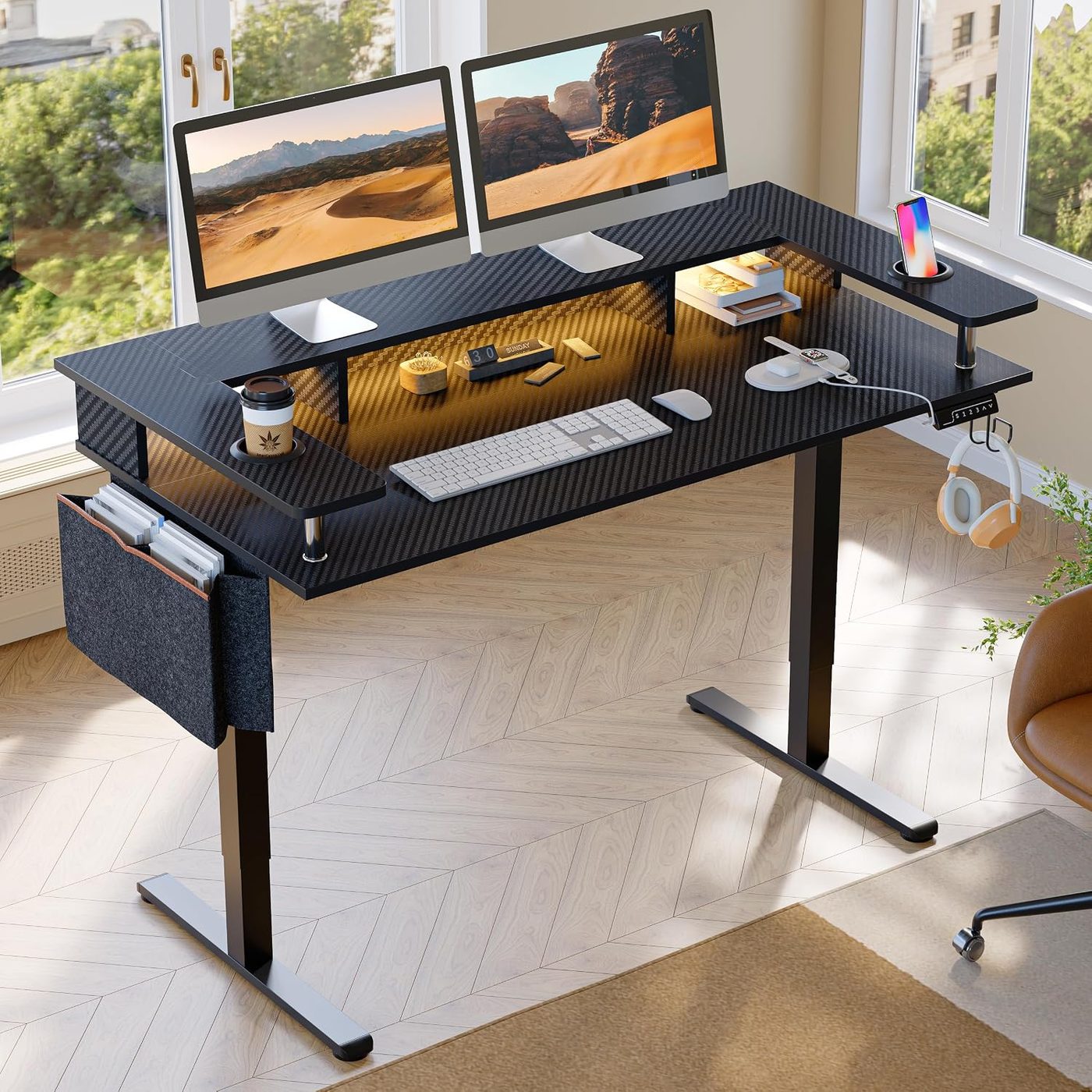
HUANUO Dual Monitor Mount
A dual-arm mount for two monitors that clamps to the desk and articulates each screen independently.
- Handles two 32-inch monitors
- Independent arm adjustment
- Assembly is fiddly
3M Adjustable Monitor Stand MS80B
An office-grade adjustable stand with a wide platform, built for all-day ergonomic correctness.
- Wide stable platform
- Trusted office brand
- Utilitarian office looks